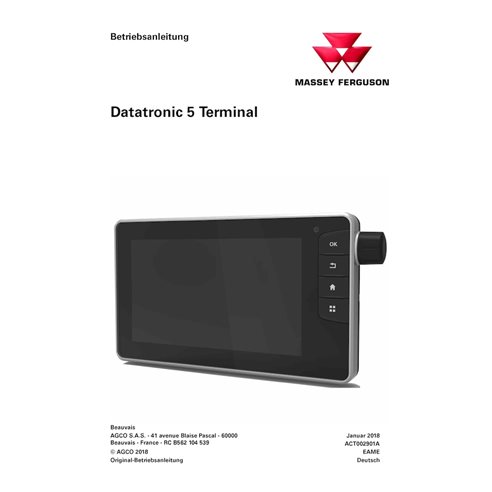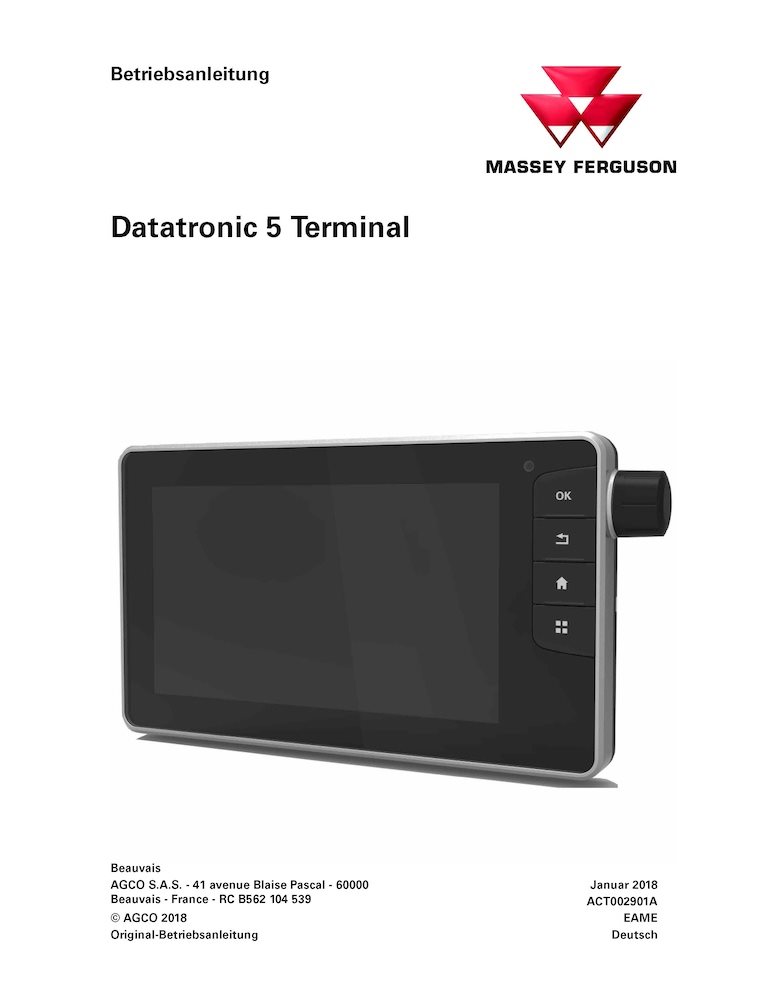
Massey Ferguson DataTronic 5 Terminal tractor pdf operator's manual DE (ACT002901A)
Item Number: ACT002901A
Models: 8727, 8730, 8732, 8735, 8737, 8740 - DATATRONIC 5 Terminal
Format: PDF
Type: Operator's manual
Pages: 202
File size: 7.57 MB
Language: German
Date: January 2018

Table of Contents for MF-ACT002901A-OM-DE manual
- Inhaltsverzeichnis
- 1. Allgemeine Informationen
- 1.1 Allgemeines
- 1.2 Bezeichnung
- 2. Navigation
- 2.1 Allgemeine Informationen
- 2.2 Startbildschirm
- 2.3 Programm „Traktor"
- 3. Speicher
- 3.1 Benutzerprofil
- 3.2 Geräteprofil
- 4. Programm „Einstellungen"
- 4.1 Allgemeines
- 4.2 Beschreibung des Programms „Einstellungen"
- 4.3 Einstellungen zu Einheiten, Sprache, Dezimalstellen, Datum und Uhrzeit
- 4.4 Einstellungen für Helligkeit und Klang.
- 5. Bordrechner-Programm
- 5.1 Allgemeine Informationen
- 5.2 Beschreibung des Programms „Bordcomputer".
- 5.3 Verwendung des Progamms „Bordcomputer"
- 6. Programm „Motor" und „Dyna-TM"
- 6.1 Programm „Motor"
- 6.2 Programm Dyna-TM
- 7. Programm „Getriebe"
- 7.1 Allgemeines
- 7.2 Beschreibung des Programms „Getriebe"
- 7.3 Verwendung des Programms „Getriebe"
- 8. Programm „Lenkachse"
- 8.1 Allgemeine Informationen
- 8.2 Beschreibung des Programms „Lenkachse"
- 8.3 Verwendung des Programms „Lenkachse"
- 9. Programm „Hubwerk"
- 9.1 Programm „Fronthubwerk"
- 9.2 Programm „Heckhubwerk"
- 10. Programm „Ventile" und „Joystick"
- 10.1 Programm „Ventile"
- 10.2 Programm „Joystick"
- 11. Programm „Dual Control und Punkte"
- 11.1 Programm „Dual Control"
- 11.2 Programm „Punkte"
- 12. Programm „Vorgewende"
- 12.1 Allgemeines
- 12.2 Beschreibung des Programms „Vorgewende"
- 12.3 Verwendung des Programms „Vorgewende"
- 13. Programm „Isobus"
- 13.1 Allgemeine Informationen
- 13.2 Beschreibung des Programms „Isobus"
- 13.3 Verwendung des Programms „Isobus"
- 14. Programm „Video"
- 14.1 Allgemeine Informationen
- 14.2 Beschreibung des Programms „Video"
- 15. Programm „Rechner"
- 15.1 Allgemeine Informationen
- 15.2 Beschreibung des Programms Rechner
- 16. Programm „Editor"
- 16.1 Allgemeine Informationen
- 16.2 Beschreibung des Programms Notepad
- 17. Programm Contrôle de Sections (Teilbreitenschaltung)
- 17.1 Wichtig: Vor der Verwendung bitte Contrôle de Sections (Teilbreitenschaltung) und/oder die VRT-Optionen lesen.
- 17.2 Allgemeine Informationen
- 17.3 Beschreibung des Programms Contrôle de Sections (Teilbreitenschaltung)
- 17.4 Verwendung der Anwendung Contrôle de Sections (Teilbreitenschaltung)
- 18. TaskDoc-Anwendung
- 18.1 Wichtig: Vor der Verwendung bitte Contrôle de Sections (Teilbreitenschaltung) und/oder die VRT-Optionen lesen.
- 18.2 Allgemeine Informationen
- 18.3 Beschreibung des Programms TaskDoc™
- 18.4 Verwendung des Programms „TaskDoc"
- 19. Programm „VRT"
- 19.1 Wichtig: Vor der Verwendung bitte Contrôle de Sections (Teilbreitenschaltung) und/oder die VRT-Optionen lesen.
- 19.2 Allgemeine Informationen zu VRT (Variable Rate Technology).
- 19.3 Beschreibung der VRT-Anwendung (Variable Rate Technology).
- 19.4 Einsatz der Anwendung VRT (Variable Rate Technology).
The Importance of Operator’s Manual
An Operator’s Manual is an essential instructional document designed to provide detailed guidance for anyone responsible for the daily operation and care of your machine. This manual serves as the primary resource for understanding the specific capabilities, controls, and technical requirements of your equipment.
The manual begins with a comprehensive overview of the, including vital safety warnings and precautions to ensure the protection of both the operator and the machinery. It provides clear, step-by-step instructions for the initial setup, routine operation, and ongoing maintenance. To ensure clarity, the guide features detailed diagrams and high-quality illustrations that simplify complex components and mechanical workflows.
Beyond basic usage, this PDF Operator’s Manual includes expert troubleshooting tips. By providing solutions for common operational issues, the manual helps users minimize downtime, prevent costly repairs, and maximize the lifespan of their equipment. Choosing a digital PDF format ensures you have instant access to this critical information whenever and wherever it’s needed.